 ParaCrux
Demos · ParaCrux in motion
Less repetition.
More engineering.
Meet ParaCrux in 90 seconds. See how our agent, CAD foundations and contextual design technology come together—and where we’re heading.
Explore the demosAn introduction to ParaCrux, narrated by Tom. Animated engineering illustrations explain our technology and vision; explore the recordings below to see the lab workflows.
Watch the work. Inspect the result.
Explore the demos.
7 demos and case studies. These lab workflows show what we’re exploring; individual pages explain what the shipping Agent supports today.
 4:38
4:38Complex assembly · Lab
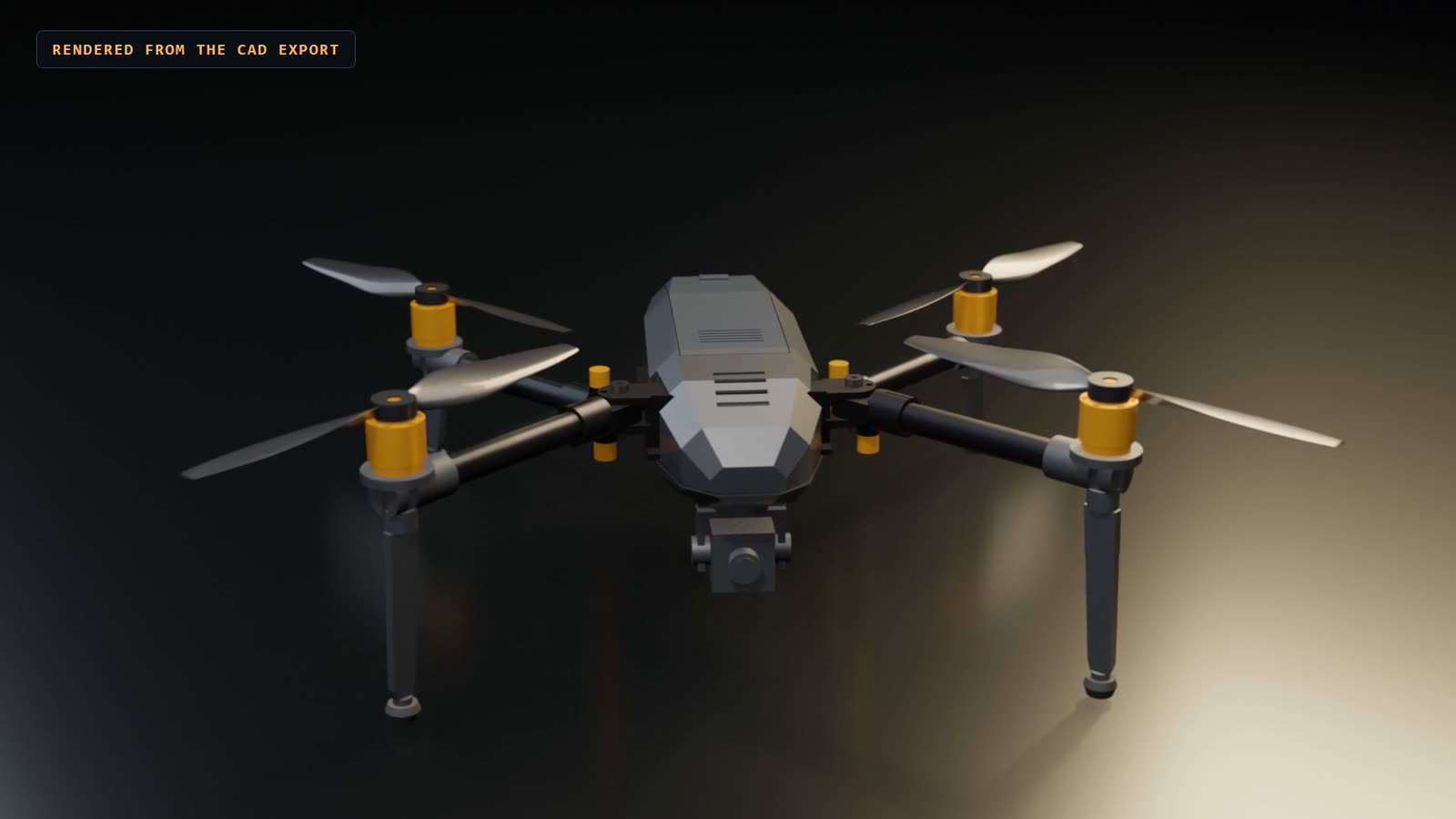
A whole drone, from a written brief.
ScoutCrux 500: a folding camera drone sized, built, checked and drawn in SOLIDWORKS, opened in ParaCrux, then changed to 650 mm through its parameters. Turn the CAD around in your browser.
Watch the demo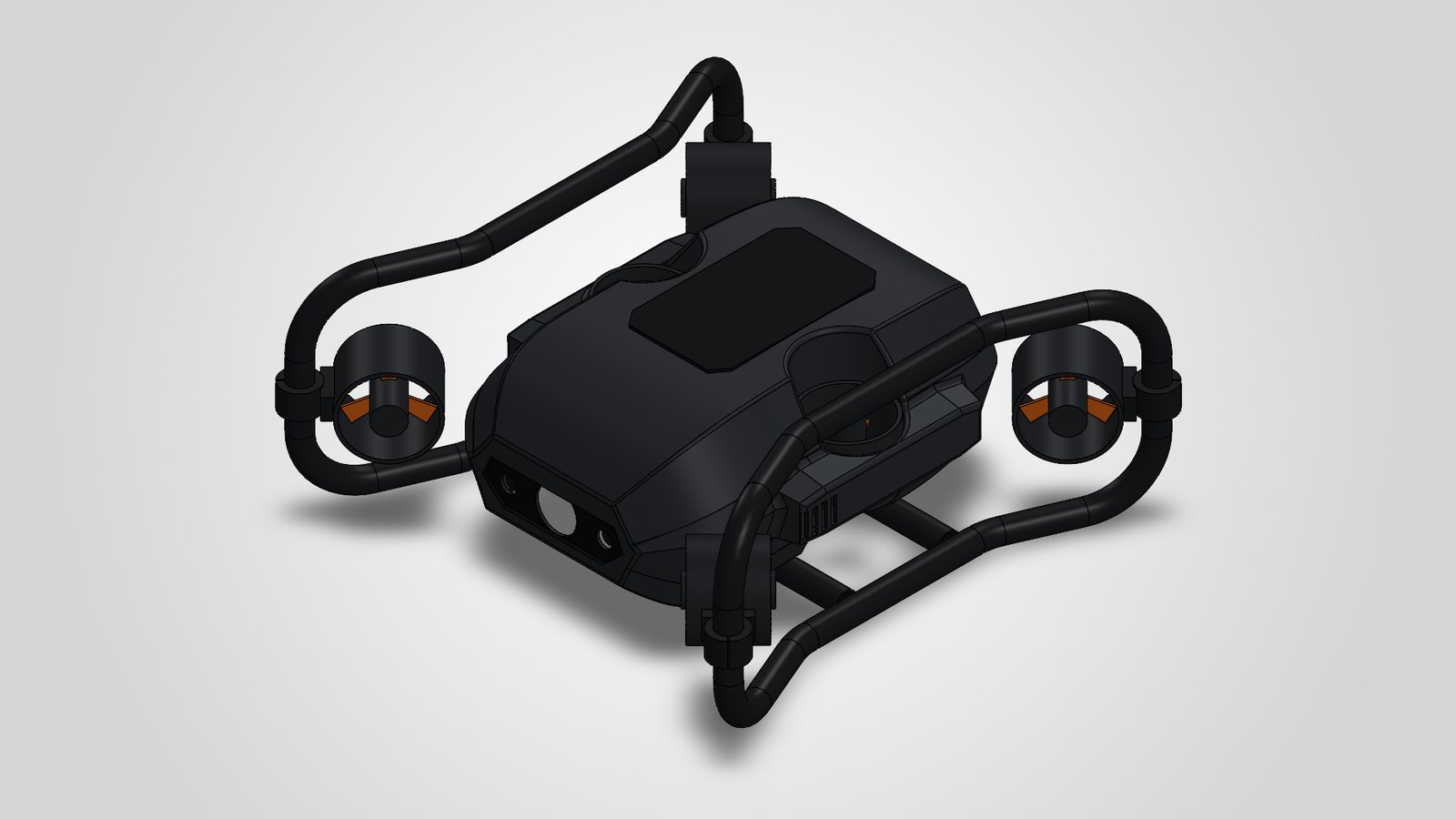 Interactive
Design intent and standards · Lab
An underwater ROV, built to a feature standard.
TideCrux 100: a harbour-inspection ROV modelled in SOLIDWORKS with fully defined sketches, Hole Wizard, a bent-tube sweep, sheet metal and ParaCrux library parts, then audited, checked and drawn. The change case re-rates it to 300 m.
Explore the demo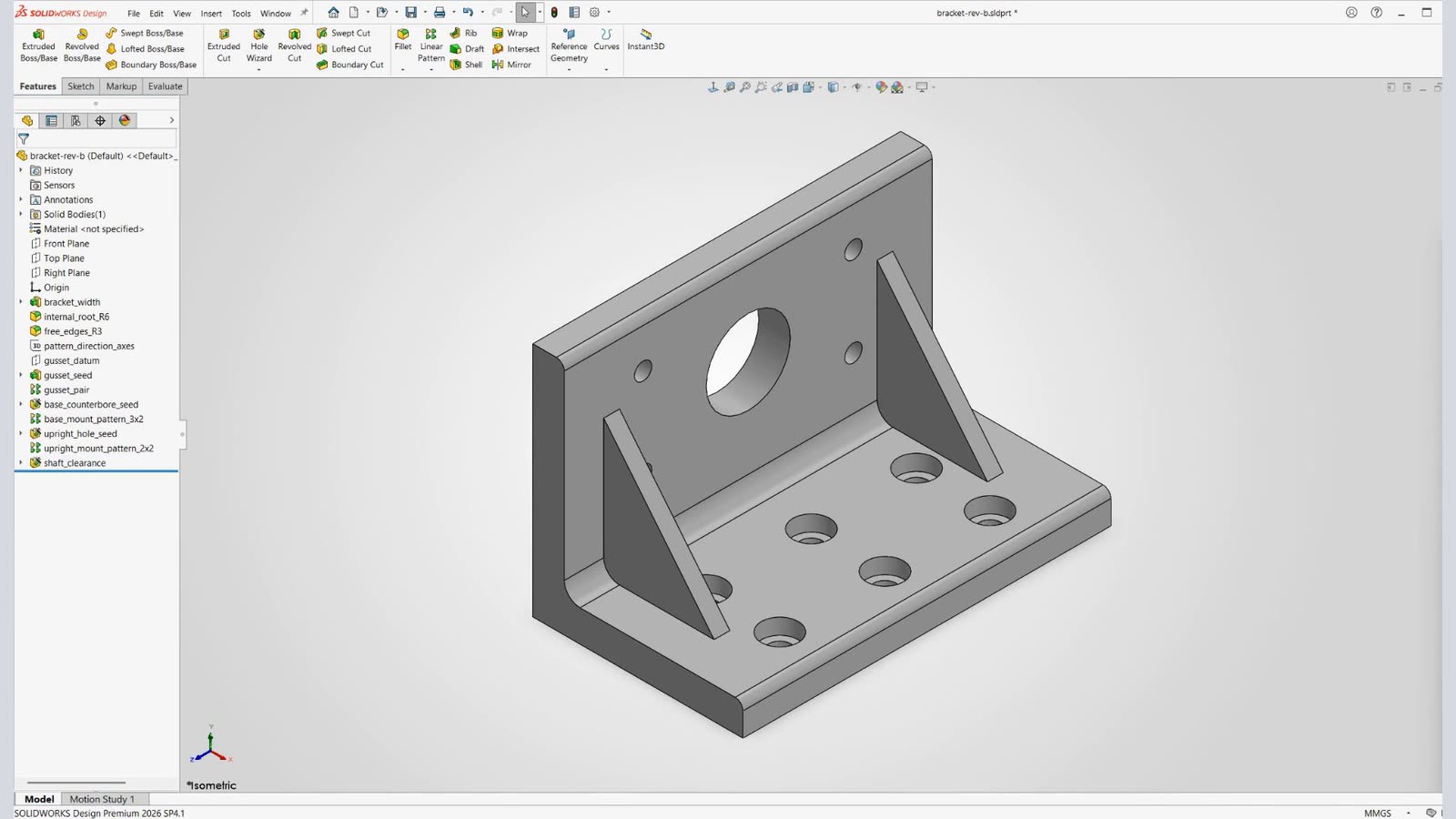 1:42
1:42Drawing to model · Lab
One drawing. Two bracket revisions.
Start with a single engineering drawing. Follow the bracket build, Hole Wizard features and patterns, then a revised copy with a drawing set for each model.
Watch the demo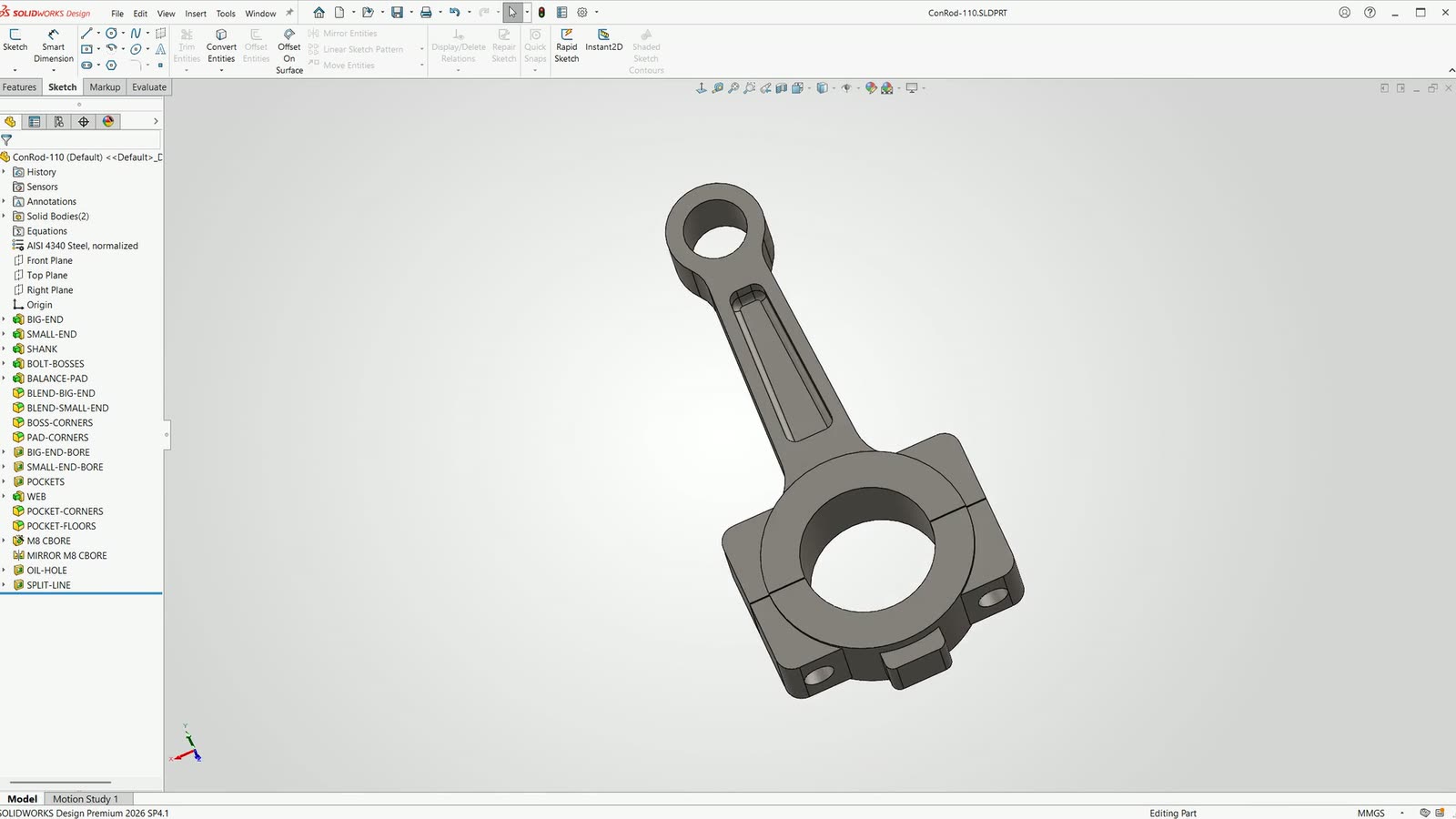 3:17
3:17Parametric change · Lab
Change the model. The drawing follows.
A connecting rod built with fully defined sketches and named dimensions. Change its centre distance from 110 to 120 mm and follow the model and drawing to revision B.
Watch the demo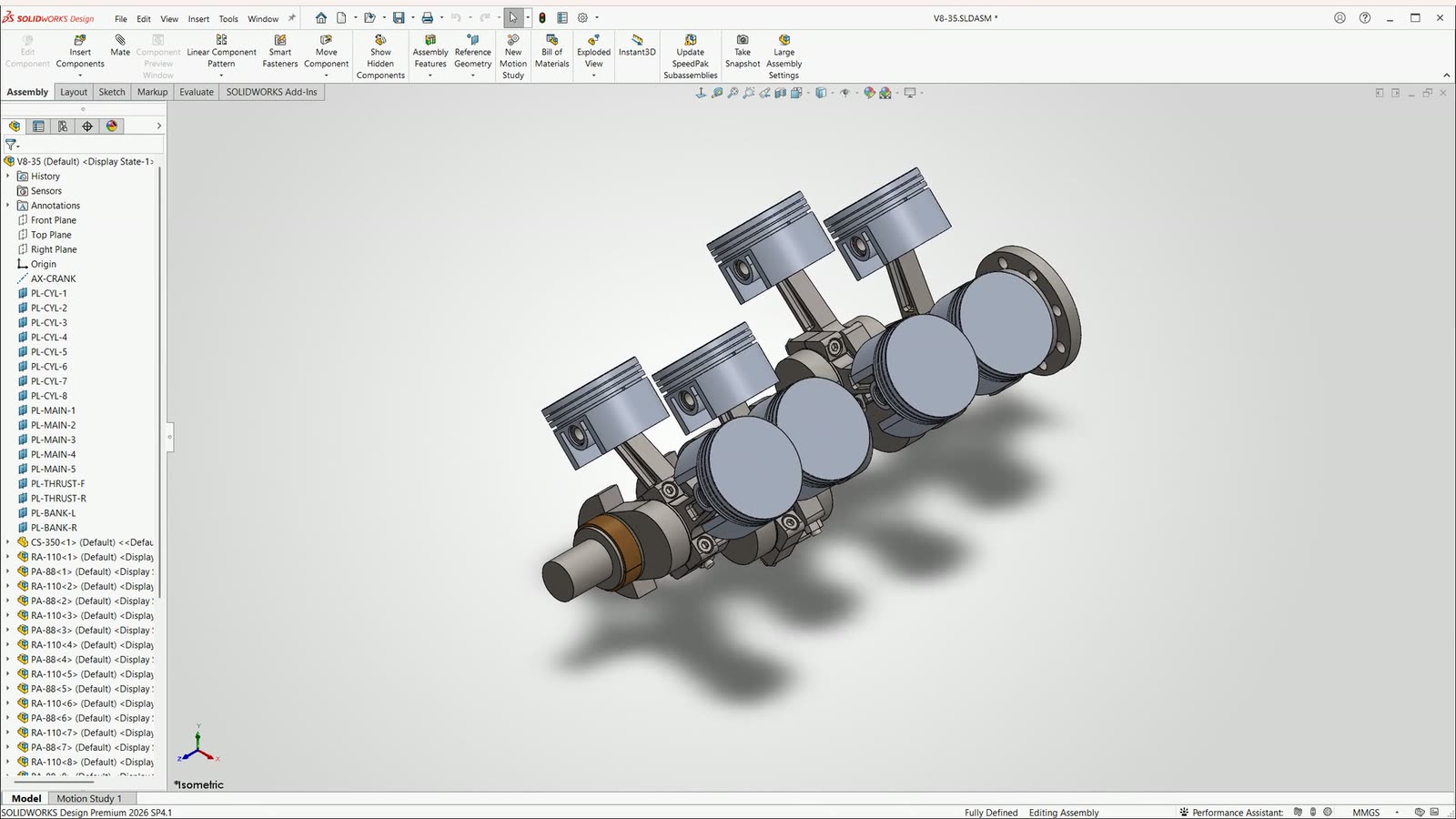 3:59
3:59Assemblies · Lab
A V8 assembly. Then a bigger one.
Build and turn a 3.5 litre V8 rotating assembly, create its drawings, then copy the design and change the driving variables to produce a 5.0 litre version.
Watch the demo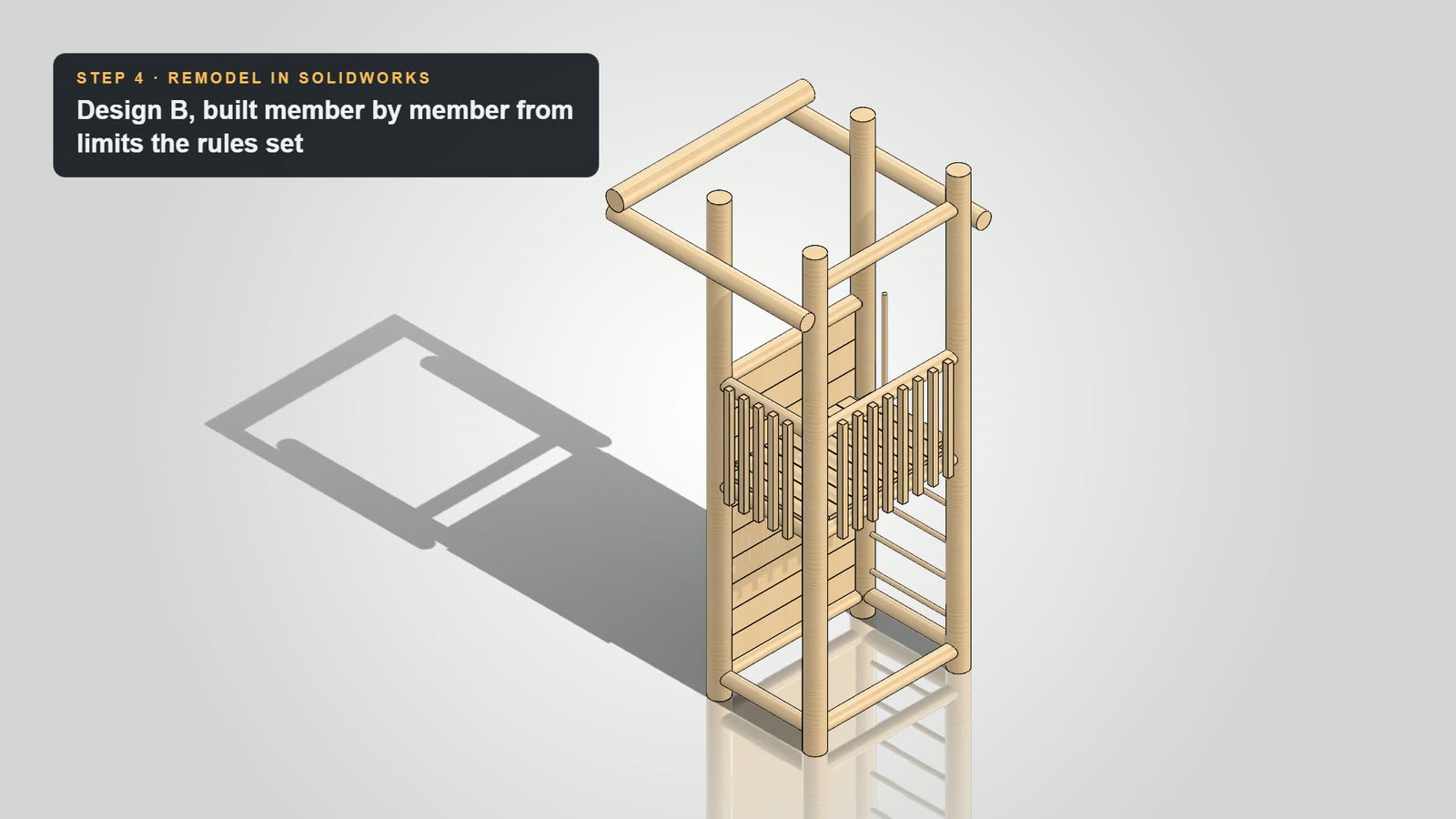 1:09
1:09Engineering review · Lab
Review. Redesign. Check again.
Follow a garden play tower through a lab review, a revised design and another round of checks. Explore the model changes, calculations and drawings behind the result.
Watch the demo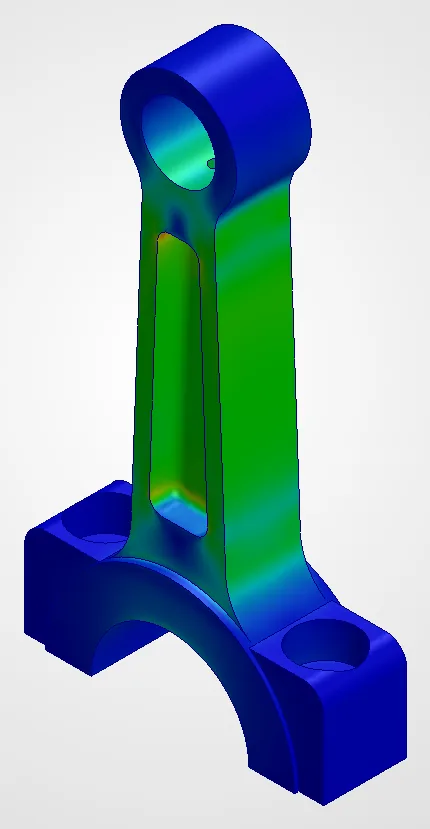 Interactive
Interactive case study · Lab
A lighter rod, with evidence to inspect.
Explore the connecting-rod simulation case study: compare load cases, stress, displacement and mass as the design changes, with the assumptions and results alongside it.
Explore the case study