01 / INSPECT
Start with your model.
Read features, dimensions, configurations and properties from the active model in your own SOLIDWORKS session.
 ParaCrux
ParaCrux / Solidworks Agent
Bring an agent into your SOLIDWORKS workflow. Understand the model, prepare a supported change and review the result—with you in control of what gets saved.
Windows desktop app · Your own licensed SOLIDWORKS installation
Explore the design, checks and 500-to-650 mm change in the full lab demonstration.
The Agent today
01 / INSPECT
Read features, dimensions, configurations and properties from the active model in your own SOLIDWORKS session.
02 / PREPARE
Prepare a supported change, review what it will do and decide when to run it. Keep the engineering decision in your hands.
03 / REVIEW
Run supported changes on copies, then inspect the result and its outputs before you take the design further.
Inside the demo lab
The bracket demo follows one drawing through a model, a separate revision and drawings for both.
What these demos show. Our lab agent drives SOLIDWORKS through its API to explore modelling, drawings and engineering review. These recordings go beyond how the shipping Agent works today. Each demo explains its method and limits; the feature documentation describes current support.
More from the demo sets
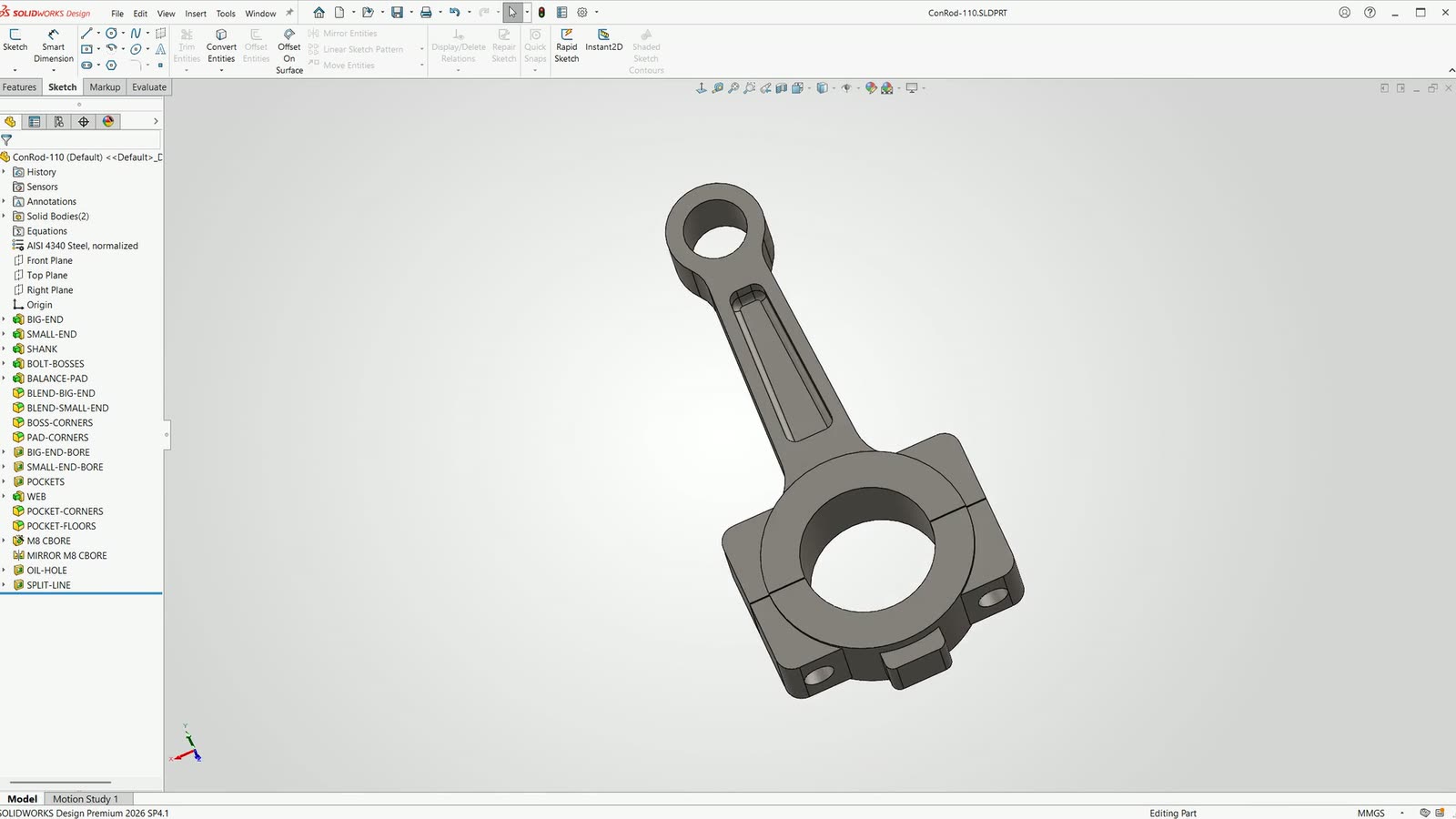 Lab / Parametric change
A connecting rod built with fully defined sketches and named dimensions. Change its centre distance from 110 to 120 mm and follow the model and drawing to revision B.
Explore this demo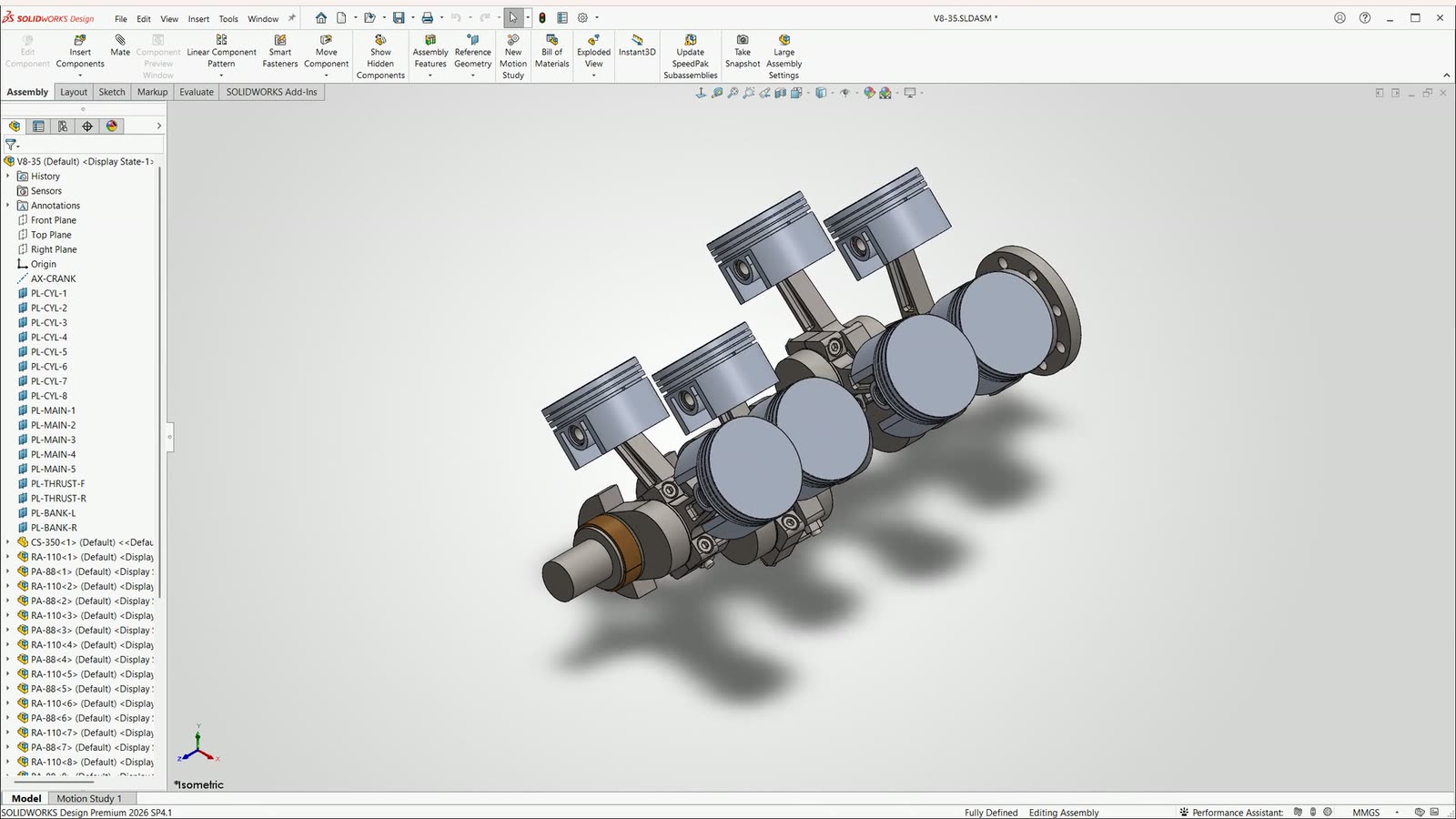 Lab / Assemblies
Build and turn a 3.5 litre V8 rotating assembly, create its drawings, then copy the design and change the driving variables to produce a 5.0 litre version.
Explore this demo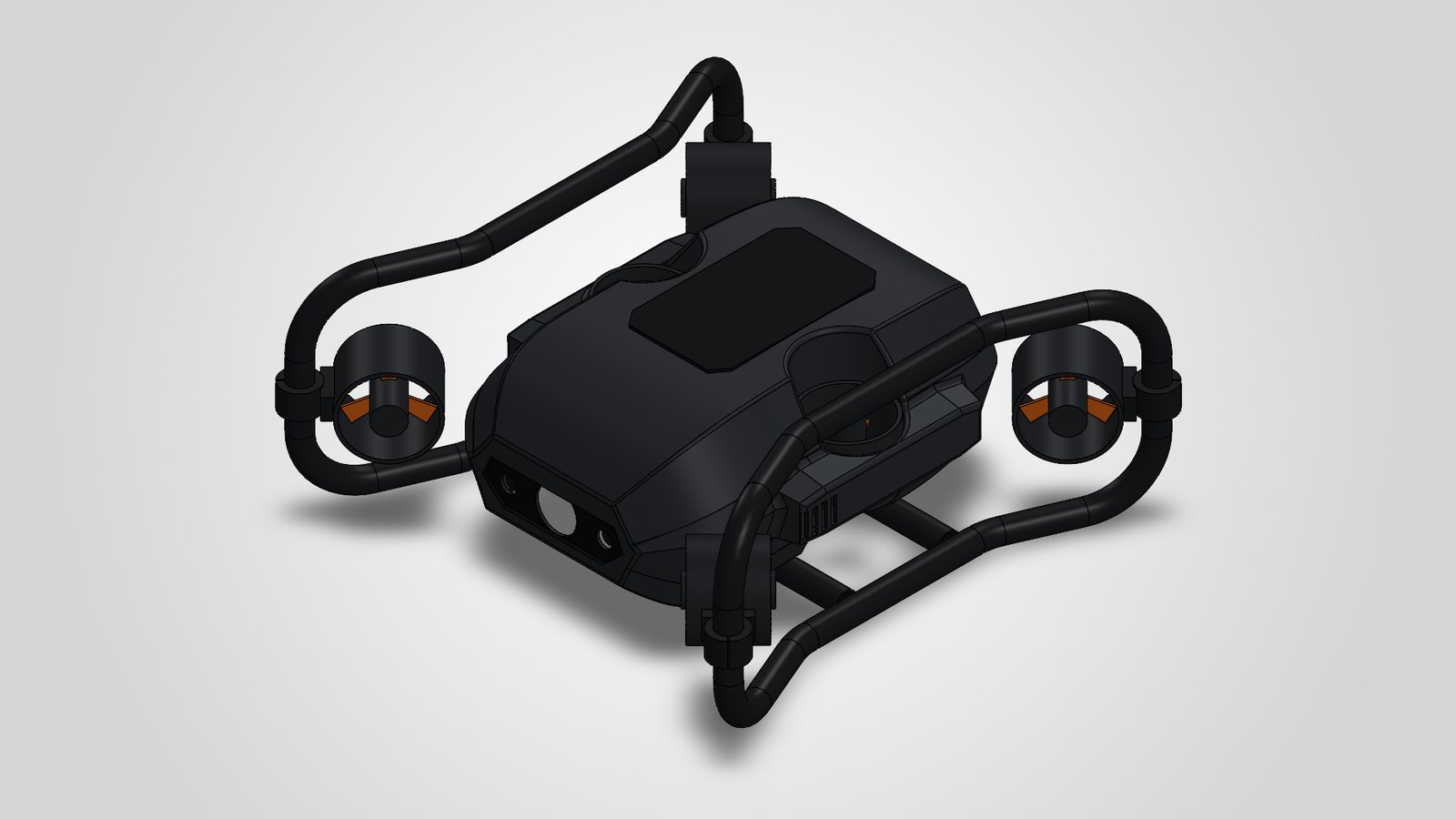 Lab / Design intent and standards
TideCrux 100: a harbour-inspection ROV modelled in SOLIDWORKS with fully defined sketches, Hole Wizard, a bent-tube sweep, sheet metal and ParaCrux library parts, then audited, checked and drawn. The change case re-rates it to 300 m.
Explore this demo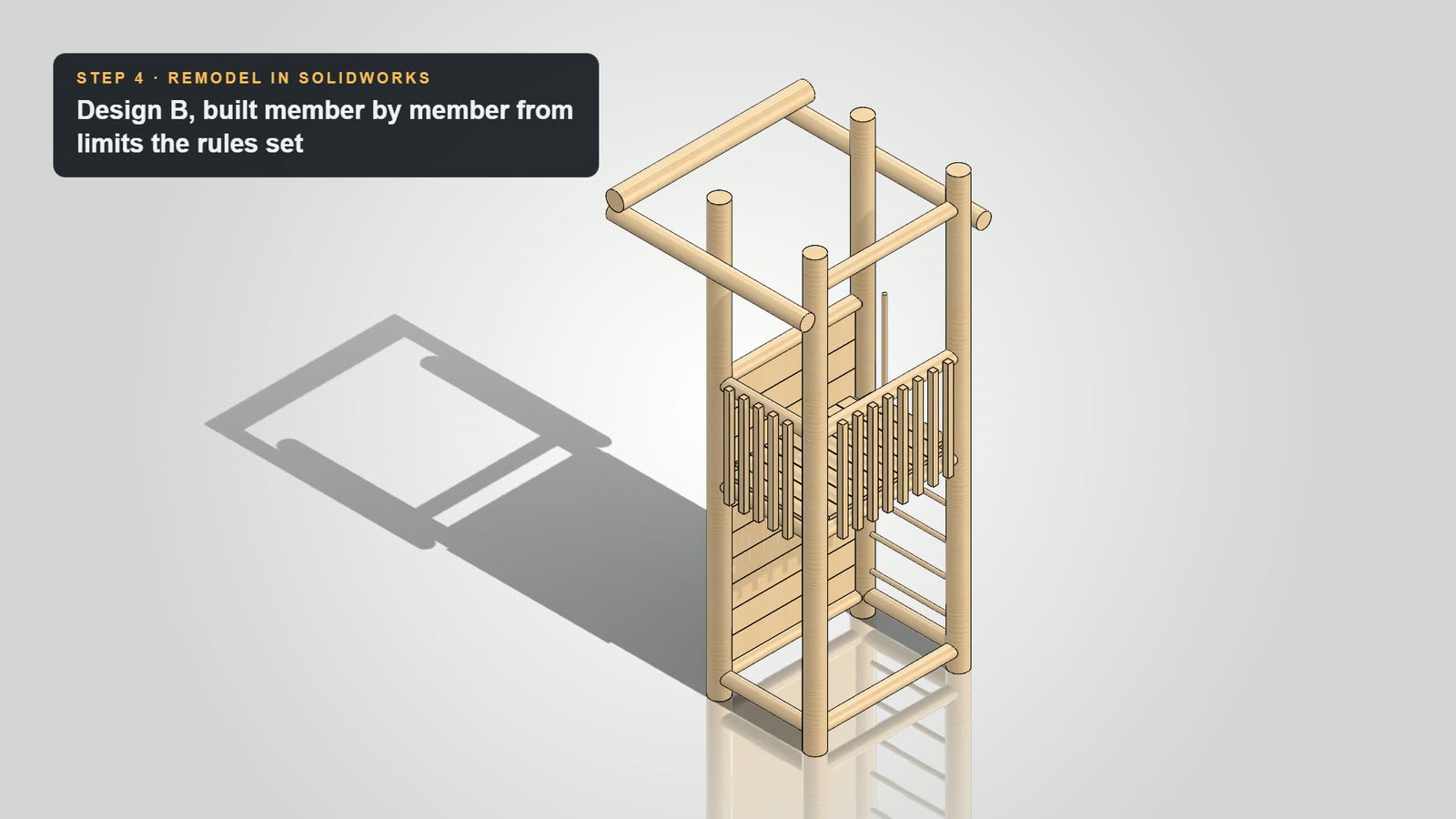 Lab / Engineering review
Follow a garden play tower through a lab review, a revised design and another round of checks. Explore the model changes, calculations and drawings behind the result.
Explore this demoAlongside the Agent
Explore the engineering libraries available for your SOLIDWORKS workflow.
Your workstation. Your decisions.
Use the Windows desktop app with your own compatible SOLIDWORKS installation. See pricing and current feature support before getting started.